Applications
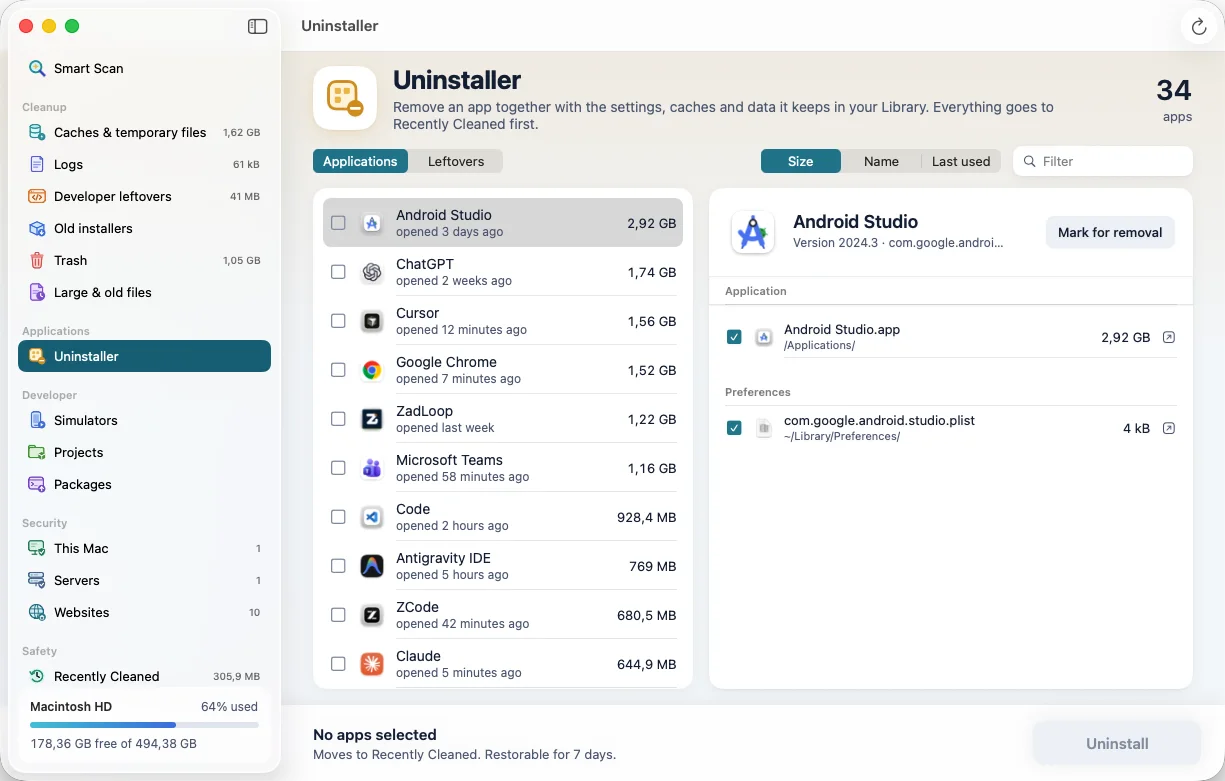
Uninstaller
Removes an app together with everything it keeps in your Library, and finds what deleted apps left behind.
Some Editor.app412 MB
Application Support / Some Editor96 MB
Caches / some-vendorReview
- Exact matches are ticked, anything that only looks related is left for you.
- Shows which apps have an update from Homebrew, the App Store or Sparkle.
Developer
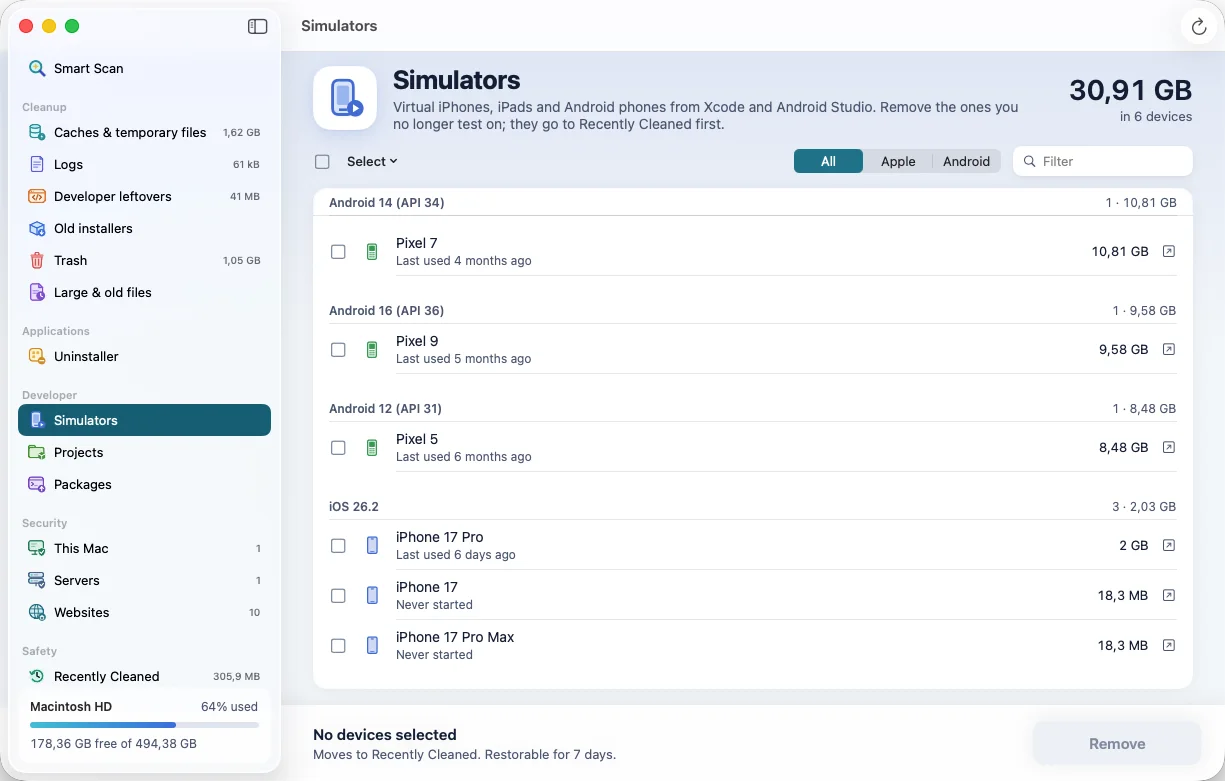
Simulators
Every iOS, watchOS, tvOS and visionOS simulator and Android emulator, with its size and when you last used it.
- Quick picks for devices you never started or whose runtime is gone.
- A running device is never touched, and a removed one can be restored.
Developer
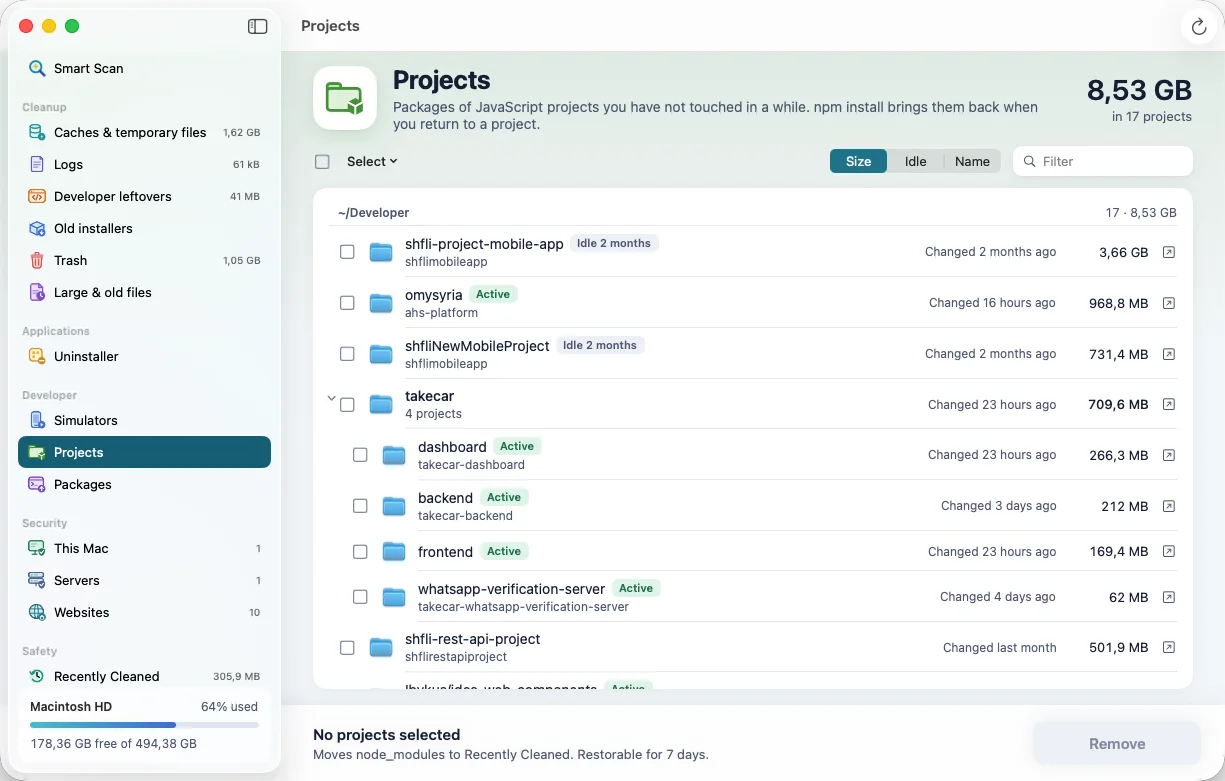
Projects
The node_modules of projects you have not touched in months, as a folder tree. Your code stays where it is.
~/Developer/old-landing-page7 months idle
~/Developer/client-a/dashboard4 months idle
~/Developer/shop-api3 days idle
- Each project shows the command that brings its packages back.
Developer
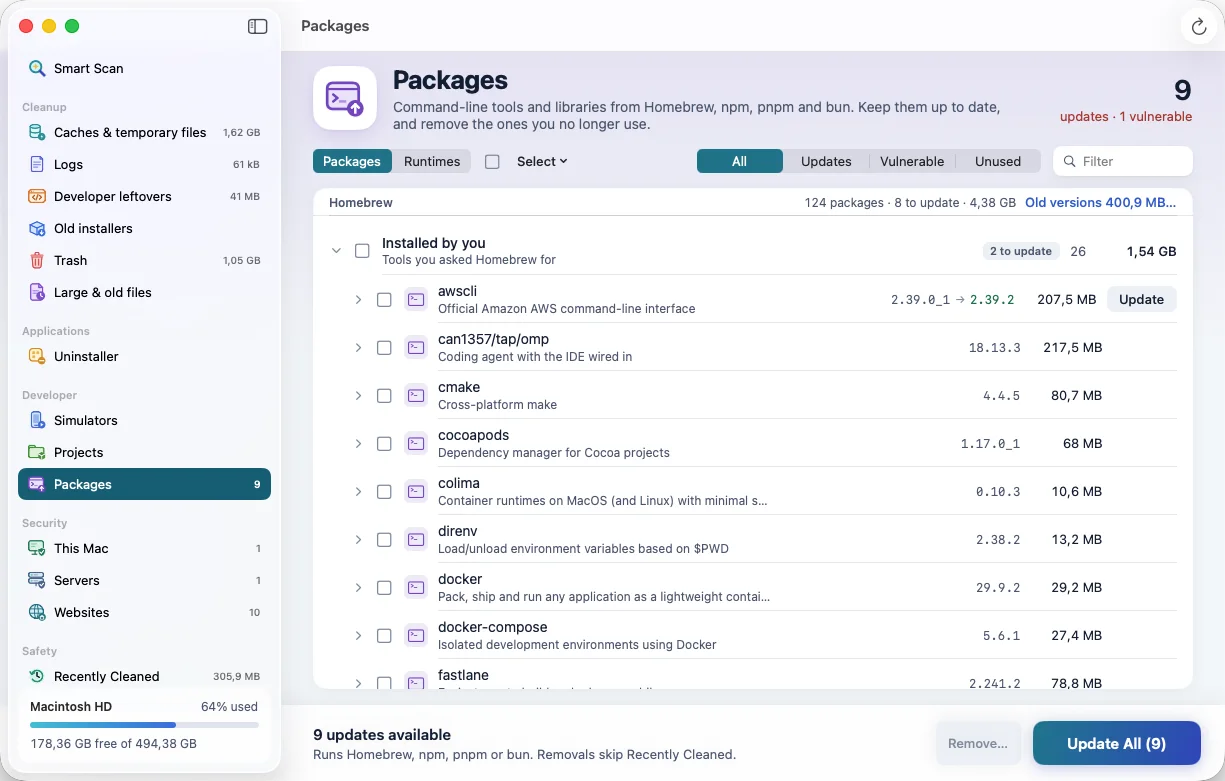
Packages
What Homebrew, npm, pnpm and bun installed on your Mac, which ones are outdated, and which have known vulnerabilities.
- Update one, a few, or everything, with the same tool that installed it.
- Runtimes lists every Node.js, Python, Java, Ruby and Go version and which one is in use.
Security
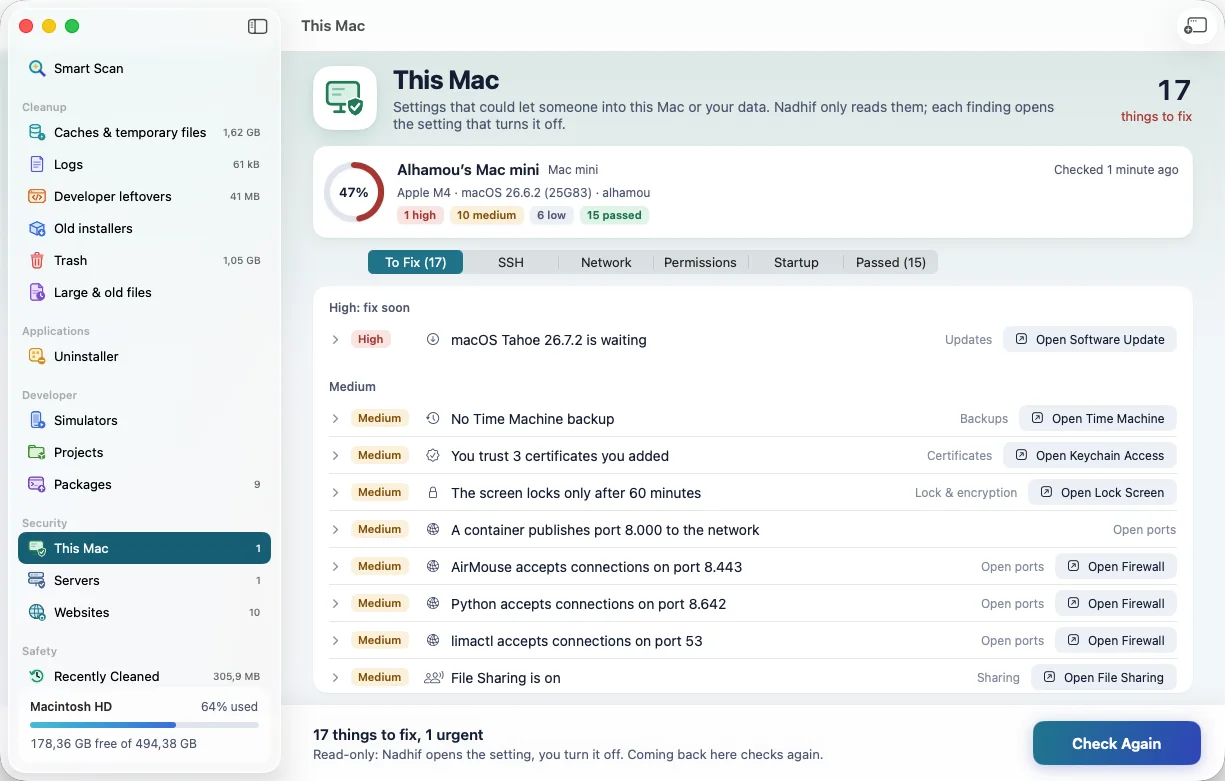
This Mac
Reads the settings that could let someone in: FileVault, the screen lock, the firewall, sharing, updates, SSH keys and startup items.
Remote Login is onMedium
SSH key without a passphraseMedium
FileVault is onPassed
- Every finding has a button that opens the right page in System Settings.
Security
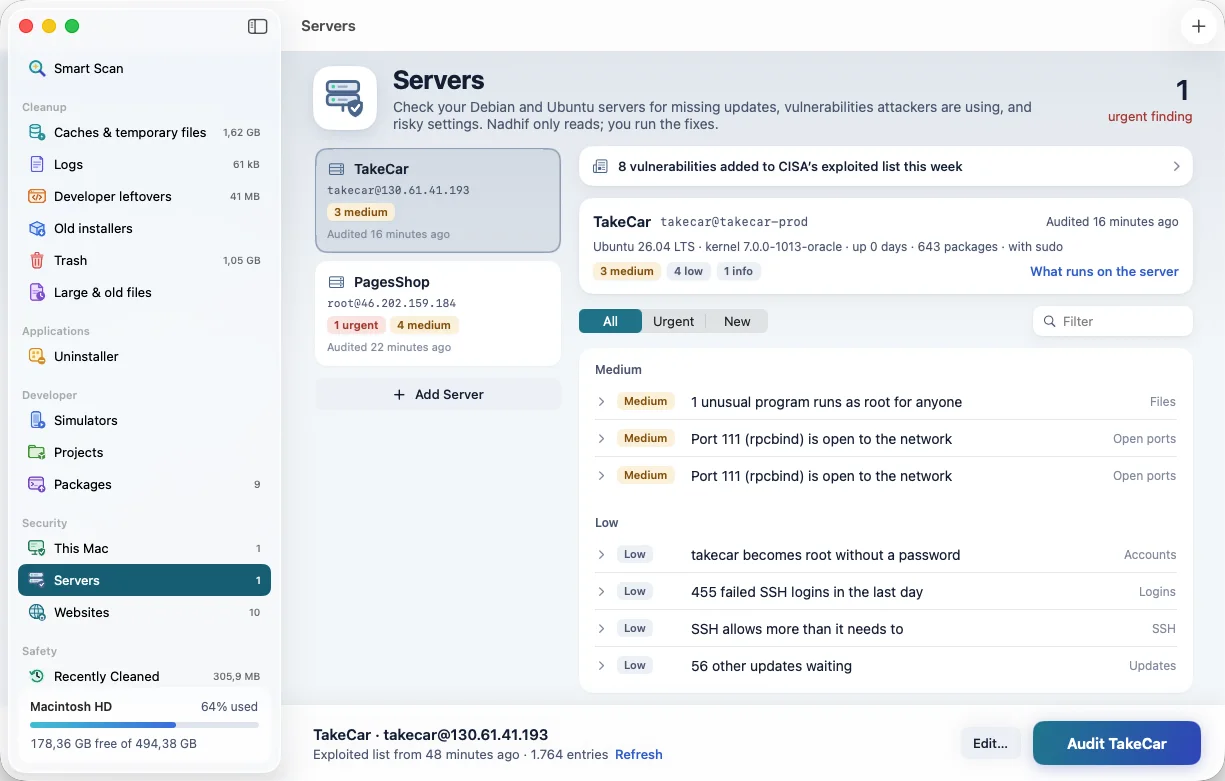
Servers
Audits your Debian and Ubuntu servers over SSH against the vulnerabilities attackers are using right now.
- Read-only. Uses your own
ssh and keys; never asks for a password.
- Every finding comes with the command that fixes it, ready to copy.
Security
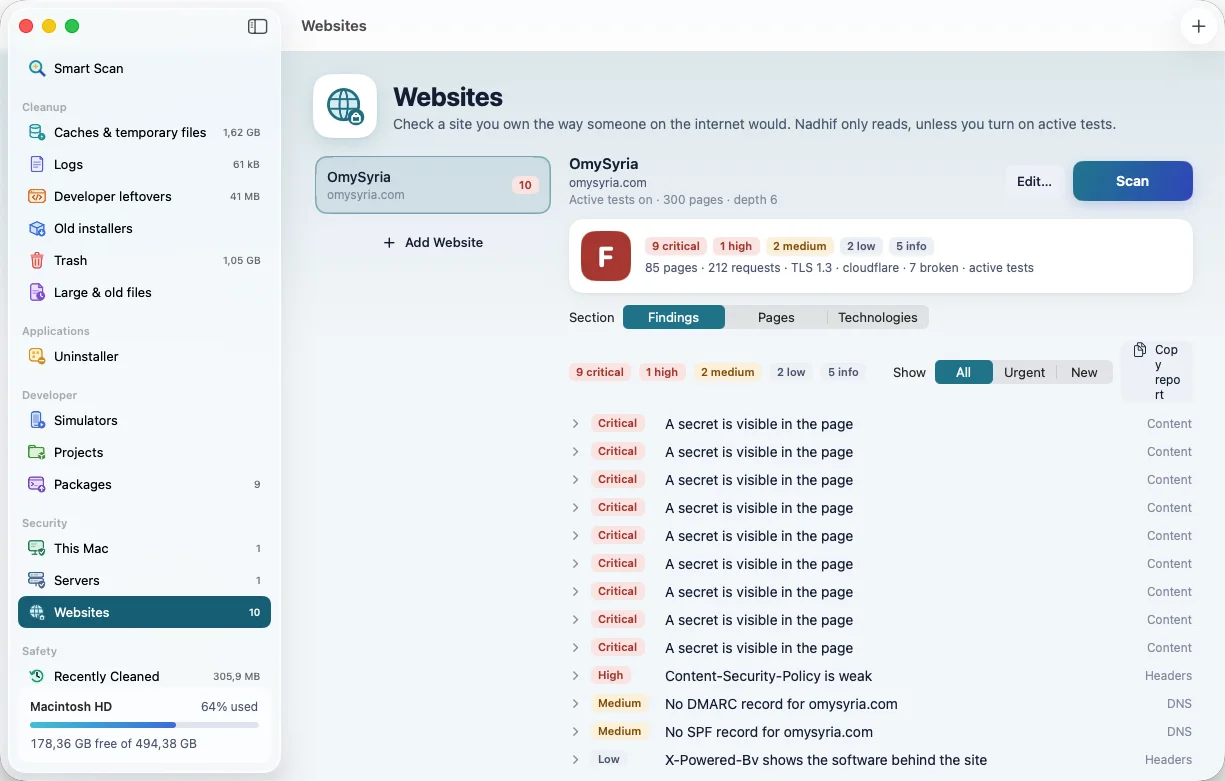
Websites
Checks a site you own from the outside, the way a visitor would.
/.env is publicCritical
No Content-Security-Policy headerMedium
Certificate valid for 74 daysPassed
- Headers, exposed files, leaked secrets, vulnerable libraries and broken links, each with a fix.
Safety
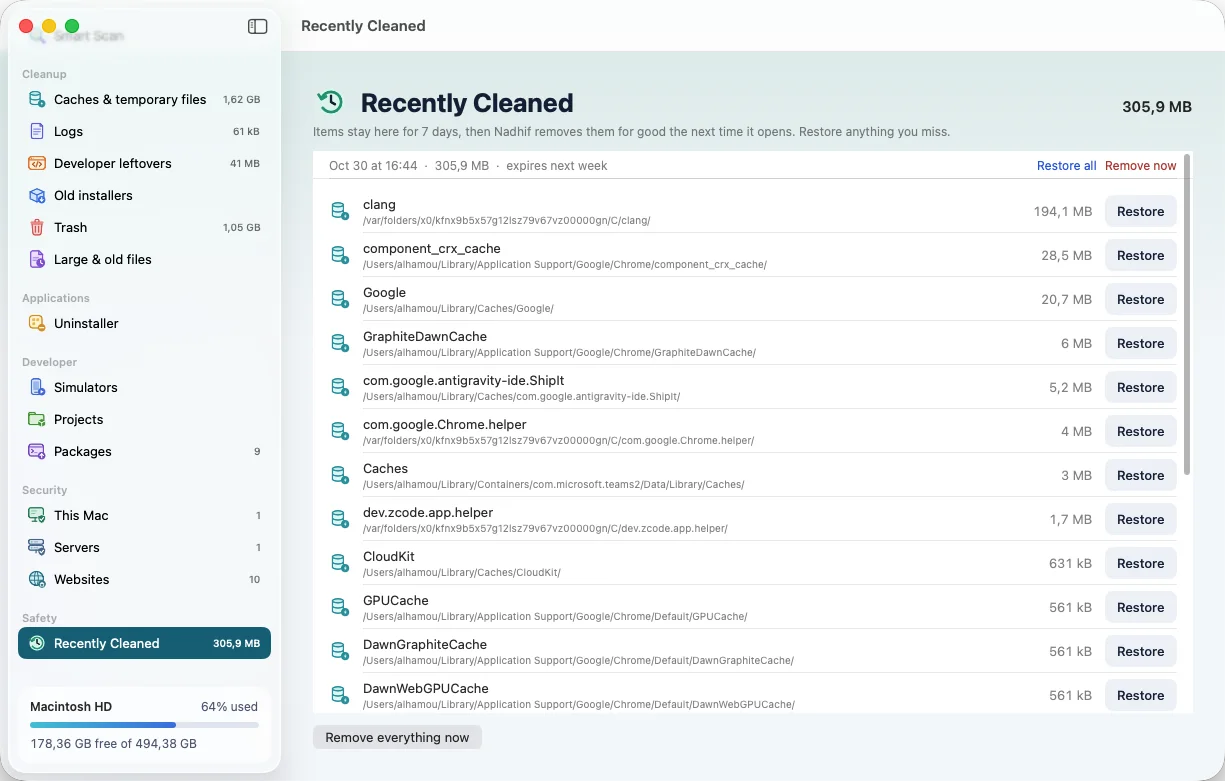
Recently Cleaned
Everything Nadhif moved, by session. Put back one file or a whole clean in one click.
Today, 10:425.9 GBRestore
Yesterday, 18:051.2 GBRestore
 Nadhif